RefWorks
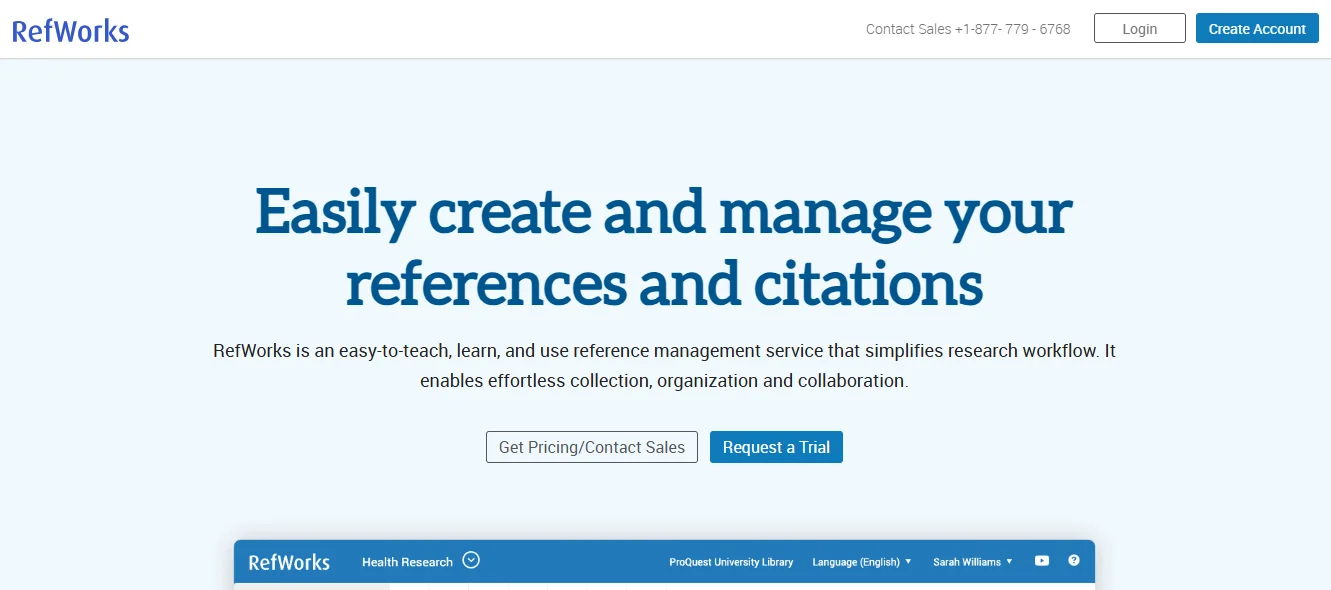
A cloud-based commercial reference management software package


-
Stop Dreaming. Start Executing.
Join the Ferct Founding 50 to unlock your full potential and achieve your dreams.
Exclusive Lifetime Access to Ferct – The World's First Goal Achievement Network.
SECURE YOUR SPOT NOW
-
Become a Certified Scientific Researcher
Join the world’s #1 comprehensive online skills program designed to empower college students, postgraduates, and researchers to launch or advance their careers in research and development.
Learn more
This offer for one time after that will be this closed forever. No extensions. No second chancess.
Description:
RefWorks is a cloud-based reference management tool designed to help researchers, students, and academics manage citations, organize research materials, and generate bibliographies. Known for its user-friendly interface and robust integration with academic databases and word processors, RefWorks simplifies the process of referencing and collaboration. Its web-based nature allows users to access their libraries from any device with an internet connection, making it a versatile tool for managing research projects.
Main Features and Functions:
- Reference Organization:
- Store and manage references in a centralized online library.
- Import references from databases, library catalogs, or manual entry.
- Use folders and tags to categorize references for different projects.
- Citation and Bibliography Management:
- Automatically format citations and bibliographies in various styles, including APA, MLA, and Chicago.
- Integrates with Microsoft Word and Google Docs for seamless in-text citations.
- Collaboration:
- Share folders and references with collaborators for group projects.
- Collaborate in real-time on shared libraries.
- PDF Management and Annotation:
- Attach PDFs to references and organize them within your library.
- Highlight and annotate PDFs directly within the platform.
- Advanced Search and Filtering:
- Use advanced search tools to find specific references quickly.
- Filter references by tags, folders, or other metadata.
- Cloud-Based Access:
- Access your library from any device via the web application.
- Automatically sync references and annotations across devices.
- Integration with Academic Databases:
- Import references directly from platforms like PubMed, ProQuest, and Google Scholar.
- Use the Save to RefWorks browser tool to save references and metadata from web pages.
- Customization:
- Customize citation styles to meet specific journal or institution requirements.
- Save frequently used citation formats for quick access.
Guide:
How to Use RefWorks
- Getting Started:
- Create a RefWorks account on their official website.
- Access the platform through your browser or institutional login if supported.
- Install the Save to RefWorks browser extension for quick reference saving.
- Building Your Library:
- Import references from databases or export them in RIS or BibTeX formats.
- Use the Save to RefWorks tool to capture references from websites and online articles.
- Manually add references by entering metadata, such as author, title, and publication year.
- Organizing References:
- Create folders and subfolders to organize references by research topics or projects.
- Tag references with keywords for easy retrieval.
- Sort references by author, date, or other metadata fields.
- Citing While Writing:
- Install the RefWorks plugin for Microsoft Word or use the Google Docs add-on.
- Insert citations and generate bibliographies directly within your document.
- Choose or customize citation styles as required.
- Collaborating with Others:
- Share folders or references with collaborators via email or shared library access.
- Allow collaborators to add or edit references in shared projects.
- Annotating and Managing PDFs:
- Upload PDFs to attach them to specific references.
- Highlight and annotate PDFs to take notes or emphasize important sections.
- Accessing Your Library Anywhere:
- Log in to RefWorks from any device with internet access.
- Sync your library automatically to ensure updates are reflected across devices.
RefWorks is a comprehensive tool for reference management, offering robust features for organizing and citing references while facilitating collaboration and accessibility.
Main Information
Related tools