SciSpace (typeset)
Discover, Create, and Publish your research paper


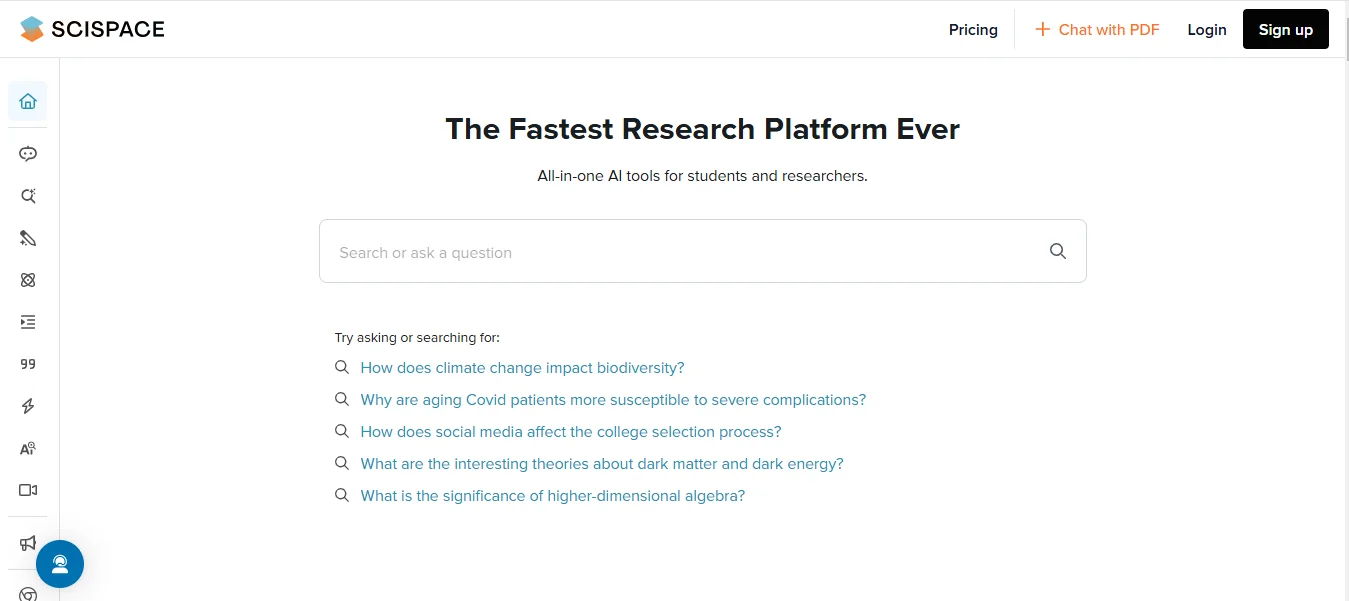
-
Stop Dreaming. Start Executing.
Join the Ferct Founding 50 to unlock your full potential and achieve your dreams.
Exclusive Lifetime Access to Ferct – The World's First Goal Achievement Network.
SECURE YOUR SPOT NOW
-
Become a Certified Scientific Researcher
Join the world’s #1 comprehensive online skills program designed to empower college students, postgraduates, and researchers to launch or advance their careers in research and development.
Learn more
This offer for one time after that will be this closed forever. No extensions. No second chancess.
Description:
SciSpace (formerly Typeset.io) is an all-in-one platform designed to help researchers and academicians create, format, and collaborate on research documents efficiently. It automates the tedious aspects of manuscript preparation, such as citation management and formatting, allowing users to focus on content. SciSpace offers templates for thousands of academic journals and ensures that documents meet specific submission guidelines, making it a preferred choice for researchers and students.
Main Features and Functions:
- Document Formatting:
- Offers templates for over 40,000 journals and conferences.
- Automatically formats manuscripts to meet journal guidelines.
- Citation and Bibliography Management:
- Supports popular citation styles like APA, MLA, and Chicago.
- Automatically generates and updates bibliographies.
- Collaboration Tools:
- Real-time collaboration with co-authors and reviewers.
- Commenting and version control to track changes.
- Math and Equations Support:
- Includes a built-in LaTeX editor for writing complex equations.
- Allows seamless integration of equations into the document.
- Cross-Platform Access:
- Cloud-based platform accessible from any device.
- Automatic syncing for easy access to projects anytime.
- Export and Submission:
- Export manuscripts in formats like PDF, Word, or LaTeX.
- Direct submission to supported journals via integration.
- AI-Powered Writing Assistance:
- AI tools for grammar checking, sentence improvement, and style suggestions.
- Tailored tips to enhance clarity and conciseness in academic writing.
- Reference Management:
- Integrates with reference managers like Mendeley and Zotero.
- Quickly import, organize, and cite references.
- Journal Finder:
- Suggests suitable journals for manuscript submission based on the content.
- Research Collaboration Platform:
- Facilitates sharing drafts with peers or mentors for feedback.
Guide:
How to Use SciSpace
- Sign Up and Setup:
- Create an account on the SciSpace platform.
- Log in to access your dashboard and start new projects.
- Choosing a Template:
- Select a journal-specific template from the database or use a generic one.
- The template ensures compliance with the journal's formatting requirements.
- Writing and Formatting:
- Write directly in the SciSpace editor, which provides a clean and intuitive interface.
- Use built-in tools to add sections, citations, and references.
- Adding Citations and Bibliographies:
- Import references from reference managers like Zotero or Mendeley.
- Insert citations using the toolbar, and the bibliography updates automatically.
- Collaborating with Others:
- Share the document with collaborators via an invitation link.
- Work on the manuscript simultaneously with co-authors in real time.
- Using AI Assistance:
- Enable the AI tools to check grammar, improve style, and enhance readability.
- Accept or reject suggestions as per your preferences.
- Managing Equations and Figures:
- Use the LaTeX editor for mathematical expressions.
- Drag and drop figures or tables into the document and caption them easily.
- Exporting and Submission:
- Export the completed document in the desired format, such as PDF, Word, or LaTeX.
- Submit directly to supported journals or save a copy for manual submission.
- Finding a Journal:
- Use the Journal Finder tool by entering your abstract or keywords.
- Review suggested journals to choose the best fit for your manuscript.
- Accessing Past Projects:
- Manage and revisit all your previous projects from the dashboard.
SciSpace is an indispensable tool for researchers, simplifying the complex process of academic writing, formatting, and collaboration to create polished, submission-ready manuscripts.
Main Information
Related tools