EndNote
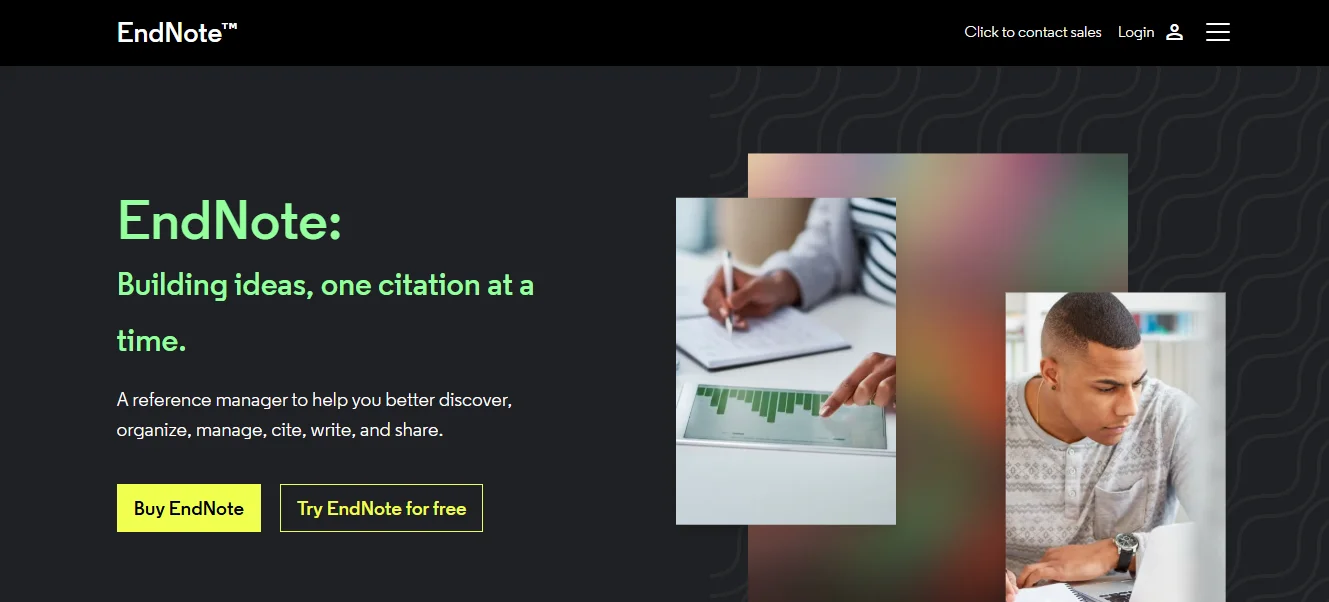
A commercial tool to manage citations & references


-
Stop Dreaming. Start Executing.
Join the Ferct Founding 50 to unlock your full potential and achieve your dreams.
Exclusive Lifetime Access to Ferct – The World's First Goal Achievement Network.
SECURE YOUR SPOT NOW
-
Become a Certified Scientific Researcher
Join the world’s #1 comprehensive online skills program designed to empower college students, postgraduates, and researchers to launch or advance their careers in research and development.
Learn more
This offer for one time after that will be this closed forever. No extensions. No second chancess.
Description:
EndNote is a popular reference management software designed to help researchers, students, and academics organize their references, citations, and bibliographies efficiently. It integrates with word processing software to streamline the process of citing sources and creating reference lists in various citation styles. EndNote supports collaboration, making it a valuable tool for group research projects and large-scale writing tasks.
Main Features and Functions:
- Reference Organization:
- Store, organize, and search references in a personal library.
- Import references directly from online databases and catalogs.
- Citation and Bibliography Management:
- Automatically format citations and bibliographies in thousands of citation styles, including APA, MLA, Chicago, and more.
- Integrates with Microsoft Word and other word processors for easy citation insertion.
- Collaboration and Sharing:
- Share libraries with colleagues and collaborators.
- Enable real-time updates and contributions from multiple users.
- Customization:
- Customize reference fields and categories to suit specific research needs.
- Save and apply templates for frequently used document types.
- Advanced Search and Filtering:
- Use advanced search tools to quickly locate specific references within large libraries.
- Apply filters to categorize and tag references effectively.
- Full-text PDF Management:
- Attach and annotate PDFs within the software.
- Automatically find and link full-text articles.
- Cloud Syncing:
- Sync references across devices using cloud storage.
- Ensure your library is backed up and accessible anywhere.
- Integration with Databases:
- Import references from platforms like PubMed, Web of Science, and Google Scholar seamlessly.
Guide:
How to Use EndNote
- Getting Started:
- Download and install EndNote from its official website.
- Set up an account to sync and backup your library.
- Building Your Library:
- Import references: Use EndNote's browser extension or export references from databases like PubMed or Google Scholar in RIS or BibTeX formats.
- Manually add references: Input details like author, title, and publication year directly into the software.
- Managing References:
- Organize your library by creating groups or folders.
- Attach and annotate PDFs to relevant references for easy access.
- Citing While Writing:
- Open your word processor and ensure the EndNote plugin is enabled.
- Use the "Insert Citation" feature to add references directly into your document.
- Choose or change the citation style as required.
- Collaboration:
- Share your library with collaborators by granting access.
- Use EndNote's sync feature to keep everyone updated with the latest changes.
- Exporting Bibliographies:
- Generate a bibliography by selecting references and exporting them in the desired format.
- Copy and paste formatted references directly into documents or presentations.
EndNote simplifies the complex task of managing citations and bibliographies, saving time and ensuring accuracy in academic writing.
Main Information
Related tools